
Ready to assign new training to your team members in The Dog Gurus? There are a few different ways to assign learning to your team; see below for a few simple steps on how to get started.
Note, when adding a new user, you will be prompted to select the learning plan(s) the employee should be assigned at the time of onboarding.
Assignments from My Staff view
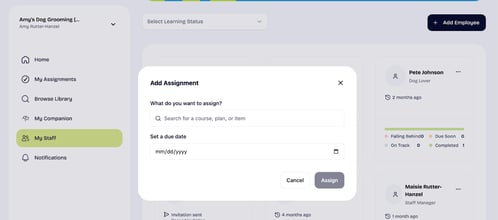
Once an employee has been added to your account, you can assign new courses, plans, or items from their profile. To make an assignment:
- Navigate to My Staff or visit https://app.thedoggurus.com/owner/staff
- Select the ellipses (. . . ) to the right of the employee name
- An Add Assignment pop-up will appear where you can search for a course, plan or item, set a due date, and assign to that specific user.
Assignments from Library view
Assignments can be made directly from the Library view as you explore; below is an overview of how to make assign plans, courses, and items.
| Plan | Course(s) and Item(s) |
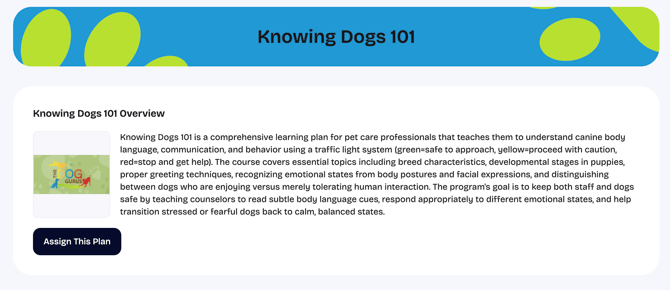
Select Assign This Plan - the Add assignment pop-up will appear, allowing you to select an employee and deadline. |
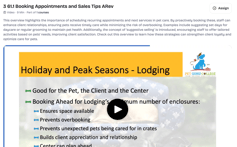
Select Assign - the Add assignment pop-up will appear, allowing you to select an employee and deadline. |