
Only users with Owner or Manager role can add users to your account; the number of users allowed in your account depends on your subscription type. Follow the steps below to add a new user.
-
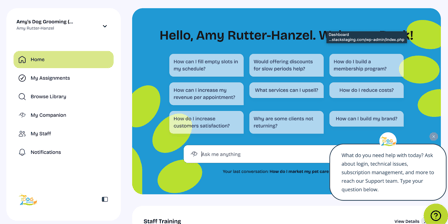
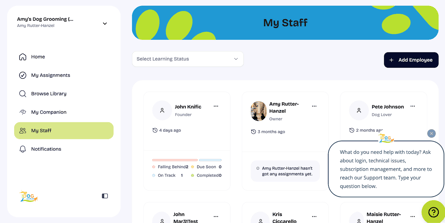
Navigate to My Staff or visit https://app.thedoggurus.com/owner/staff
- Click the + Add Employee in the upper right-hand corner.
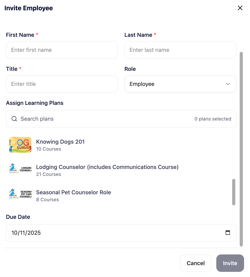
- Enter employee details including First Name, Last Name, and Email.
- You will have the option to Assign Learning Plans as part of invitation; select Invite once you have input required information.
- The new user will receive an email to join your business and set up a new password.
Need Help?
Still unsure of how to add new users? Watch our three minute video tutorial on how to add new users.
If you have questions or need help, our Support team is here for you! You can submit a support ticket at the top of this page or reach us at support@thedoggurus.com.