To track learner progress and engagement:
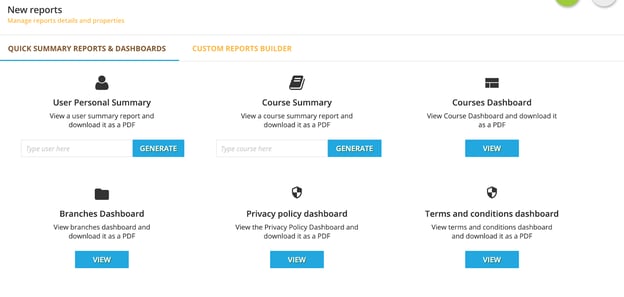
- From your Power User Menu, select Reports; in the Reporting Menu you’ll see multiple options for running reports.
- To track learner progress, type in the email of the user you’d like to review under “User Personal Summary” and click “Generate”
- This will take you to the user dashboard for whom you’d like to review showing you their progress and engagement.