
To add a new user to your account, login with your Power User login.
- Click the + Add User button (top right).

- Fill out the required details:
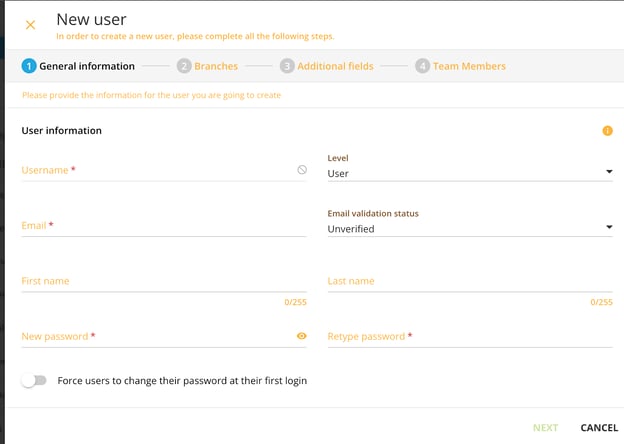
- Email (this will autofill as the username)
- First Name
- Last Name
- Password (we recommend using the same password for all users i.e. 1password—users can be forced to reset it later.)
- Email (this will autofill as the username)
- Click Next
- Assign Branch by typing your branch name in the search bar and selecting the proper branch.
- Assign Branch by typing your branch name in the search bar and selecting the proper branch.
- Click Next (nothing to do on this screen)
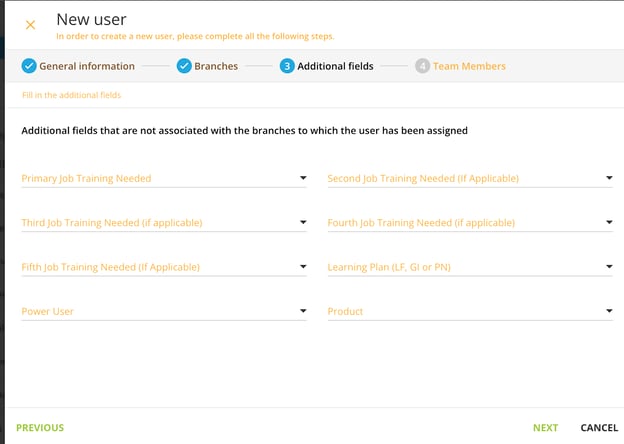
- Click Next (nothing to do on this screen)
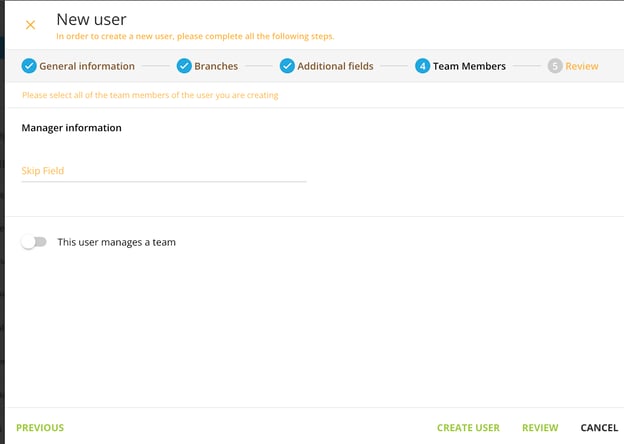
- Then click Create User and then Confirm